 QR & Barcode Scanner

The app understands what is inside the code
Every kind of content gets the matching action instead of just showing up as text.
Opens straight in your browser. Tracking identifiers are already removed by then.
Connects you to the network without typing in the password.
Is saved as a contact in your address book.
Dialled with one tap.
Geo coordinates open the map.
The GiroCode on invoices is recognised as such and offered with the matching action.
Two-factor codes are recognised and offered with the matching action.
EAN and other barcodes, to copy or share with one tap.
Links without trackers
Many QR codes on posters and packaging carry parameters like utm_source, fbclid or gclid. They tell the operator where you scanned the code. The app removes them before the link opens.
This field only works inside your browser, nothing is sent.
What the app looks like
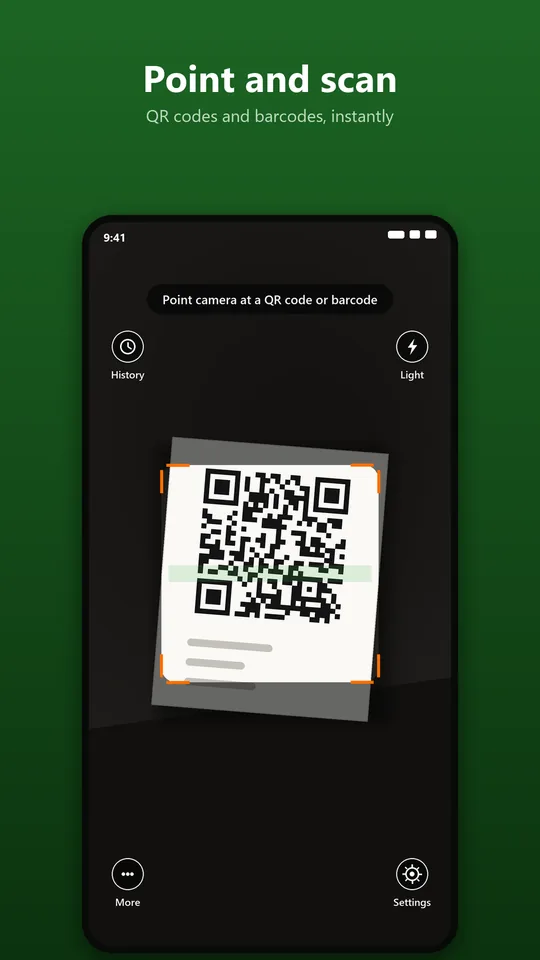
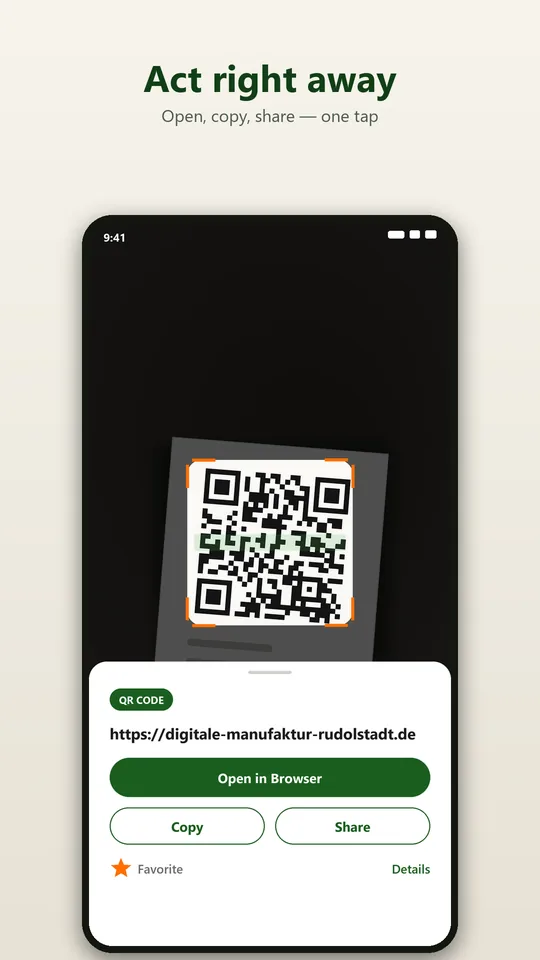
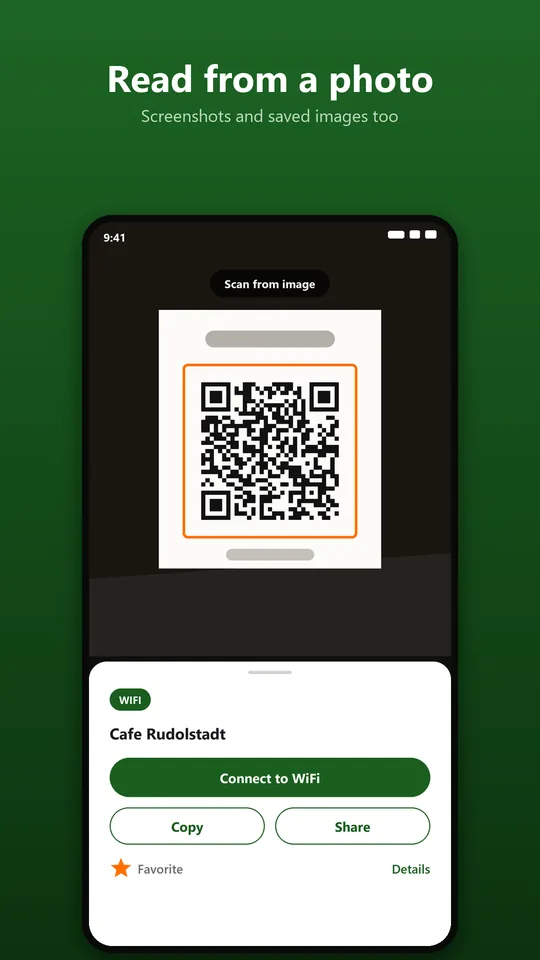
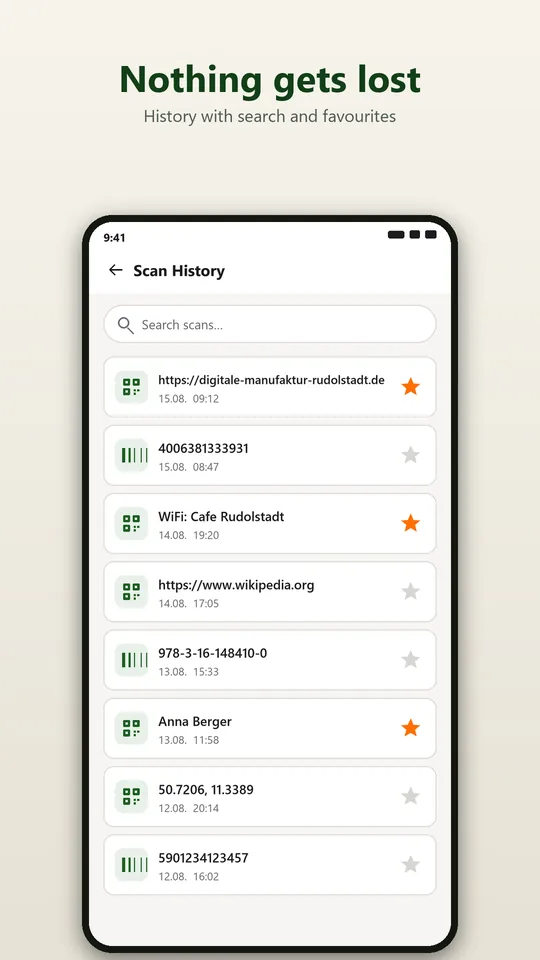
What else is included
Read from images and screenshots
Not every QR code is on a wall. Open an image from your gallery, or share a screenshot straight from another app to the scanner. Handy for codes in chats, emails, PDFs and on web pages.
History with search
Every code you read is saved locally. Search the history with full-text search and mark important entries as favourites. Delete single entries or everything.
In poor light
Switch on the flashlight in the viewfinder. Pinch to zoom and tap to focus help with small codes.
Create your own QR codes
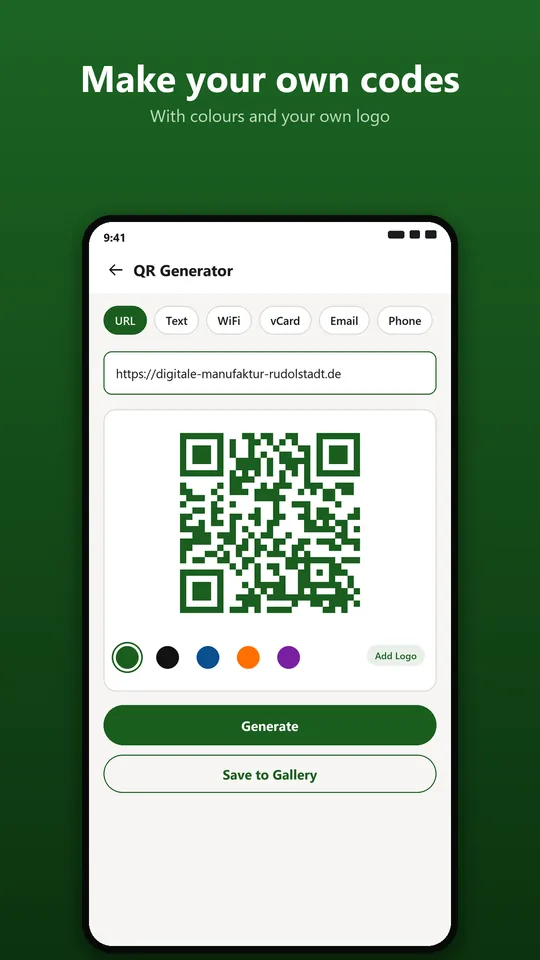
The built-in generator makes codes for text, links, Wi-Fi access, business cards, email addresses, phone numbers and SMS. Save finished codes to your gallery or share them directly.
Always within reach
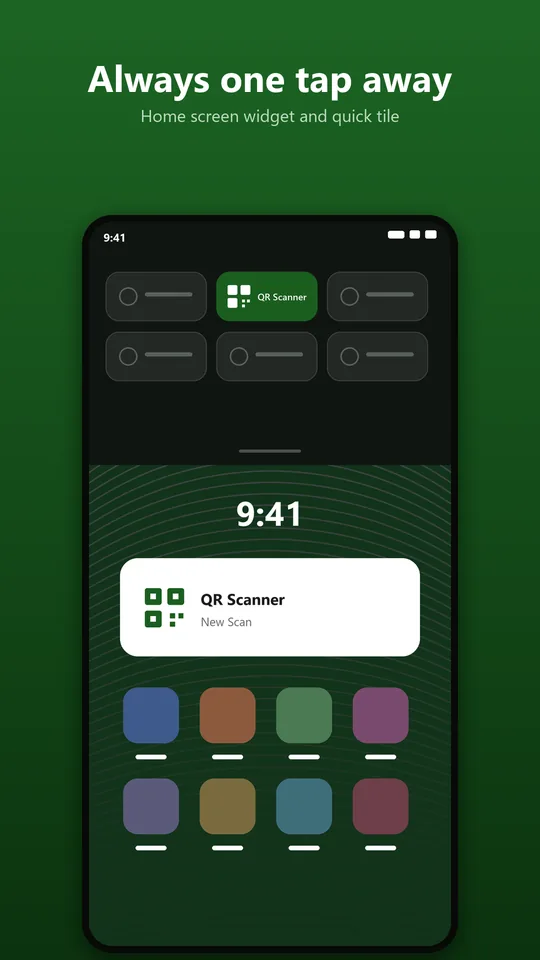
The widget and the Quick Settings tile start the scanner with one tap. Plus shortcuts for the history and the generator straight from your home screen.
Light and dark
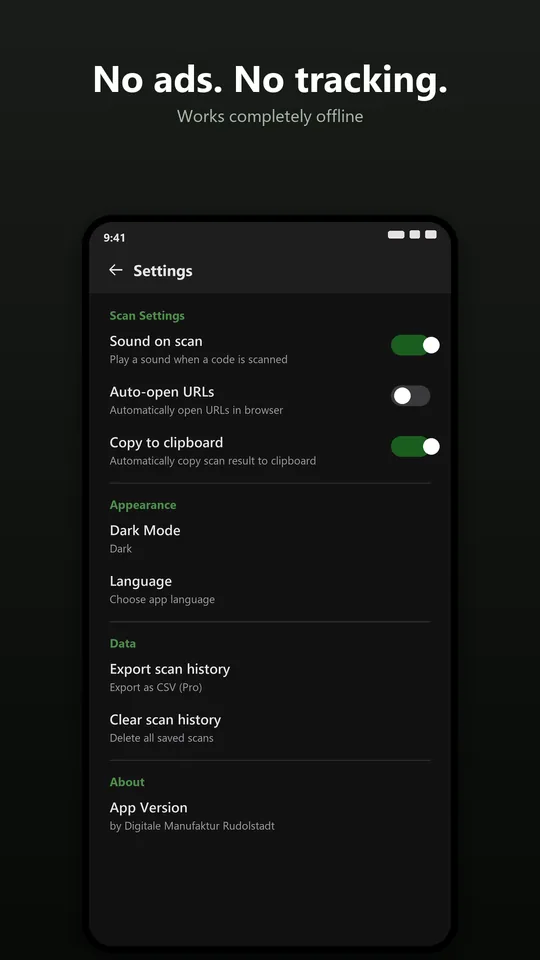
Automatically following your system setting or set by hand.
The codes the app reads
- QR code
- Data Matrix
- Aztec
- PDF417
- EAN-8
- EAN-13
- UPC-A
- UPC-E
- Code 39
- Code 93
- Code 128
- ITF
- Codabar
Code recognition runs directly on your device using the open-source library zxing-cpp.
Free and Pro
Pro is a one-time purchase. No subscription, no recurring cost.
Free
- Scanning with all result actions
- Codes from images and screenshots
- History with search and favourites
- QR generator
- Widget and tile
Pro, one-time
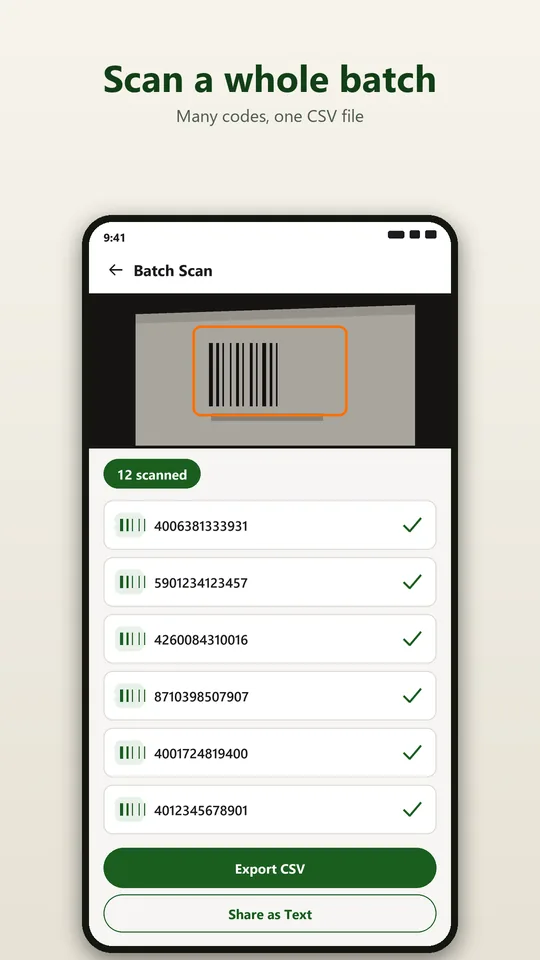
- Batch scan: many codes one after another without confirming each one
- CSV export for stocktaking, warehouse lists, goods receipt or serial numbers
- Colours and your own logo in the generator
Privacy, explained honestly
Scanning needs no internet connection. The history lives in a local database on your device and only leaves it when you share something yourself. There are no ads, no account and no analytics tools.
The app only goes online if you buy Pro. Google's billing library is included for that; it may send its own diagnostic data to Google. Nobody gets any data from us.
Frequently asked questions
Does the scanner work without internet?
Yes. Recognition runs entirely on the device, nothing is uploaded. You only need a connection to open a scanned link or to buy Pro.
Where do my scans end up?
In the history on your device and nowhere else. No server, no account, no analytics tools. You can clear the history at any time.
Can the app read codes from a screenshot?
Yes. Open the image from your gallery or share it from another app to the scanner.
What is batch scan good for?
For stocktaking, warehouse lists, goods receipt, serial numbers or parcel tracking: you read many codes one after another and export everything as a CSV file at the end.